

Description

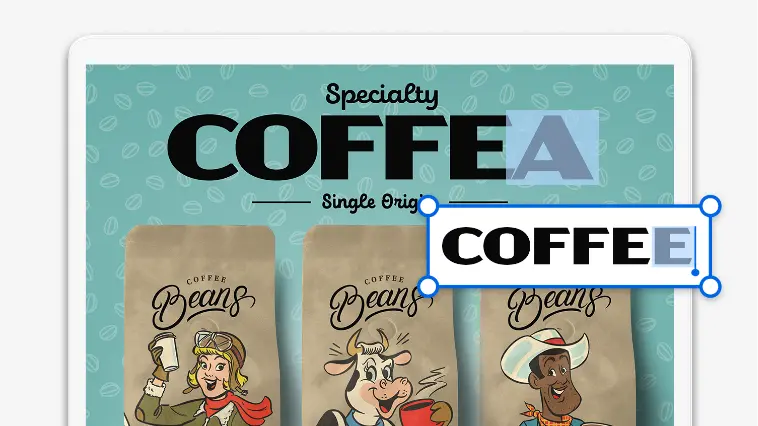
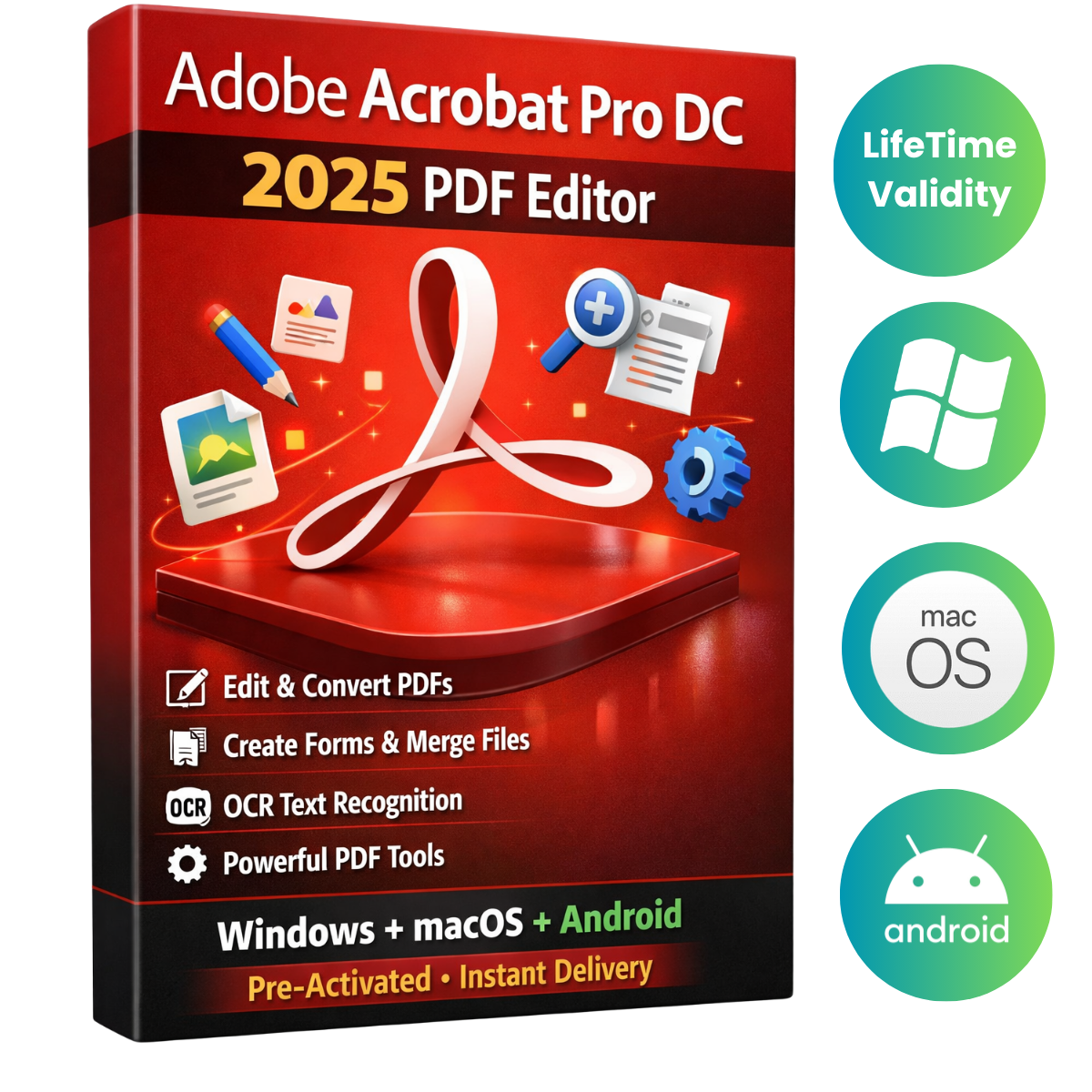
Edit text and images.
Add text, fix typos, drop in new pages, edit images, and more without switching apps.
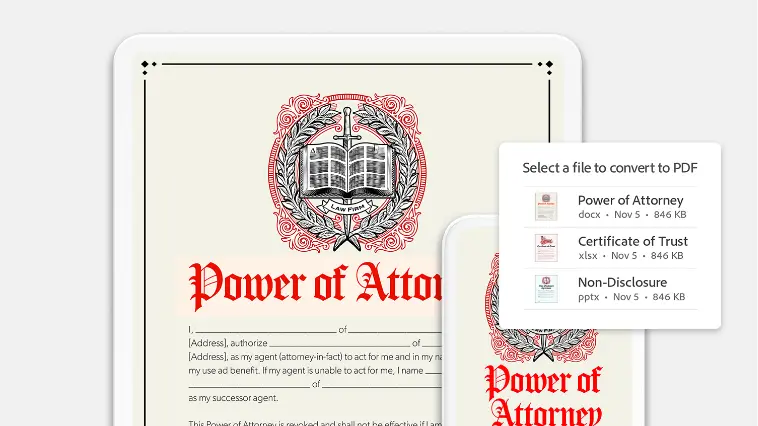
Create from templates.
Get a head start by choosing from dozens of PDF templates. Or create your own reusable template.
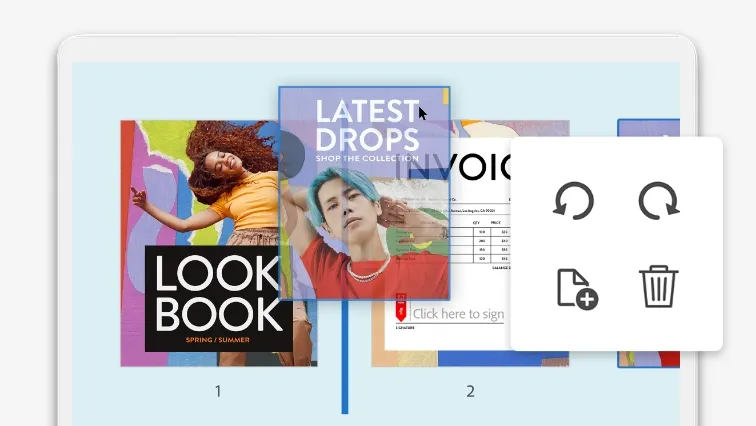
Organize and reorder pages.
Add and reorder pages simply by dragging and dropping. Easily delete any you don’t need.
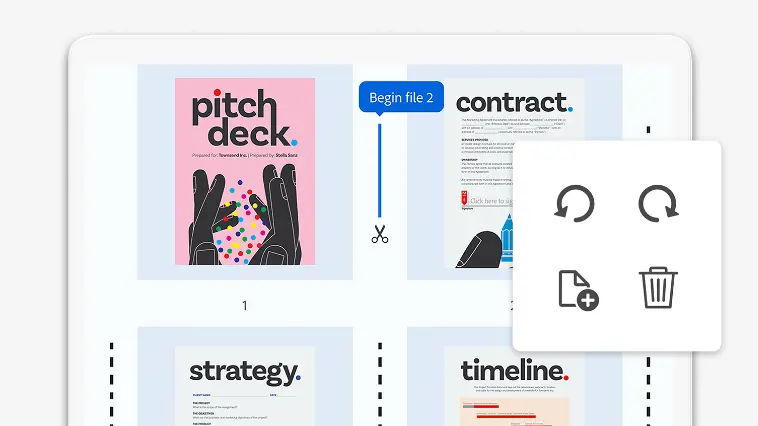
Merge and split PDFs.
Combine two or more PDFs into a single file, or turn an existing PDF into as many separate files as you want.
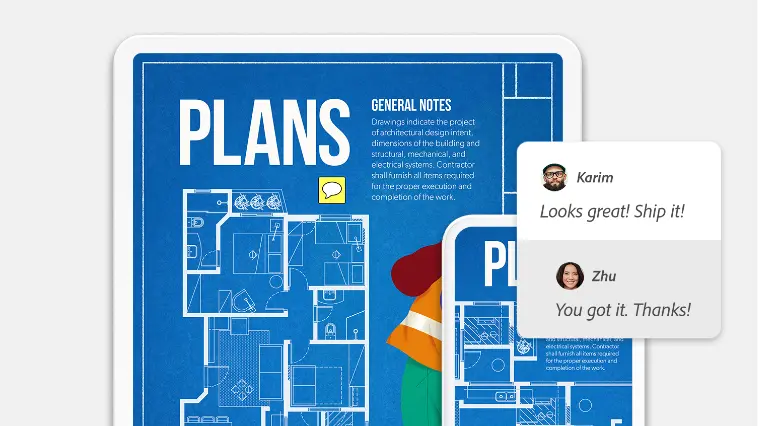
Add comments and mark up PDFs.
Type out comments, highlight text, and underline passages. Or leave notes by hand, anywhere in your document.
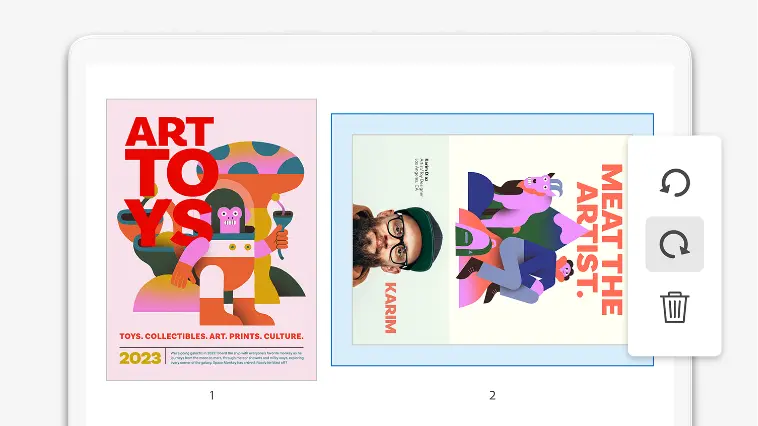
Rotate and crop.
Align your pages horizontally or vertically. Adjust margins, resize pages, and crop out what you don’t need.
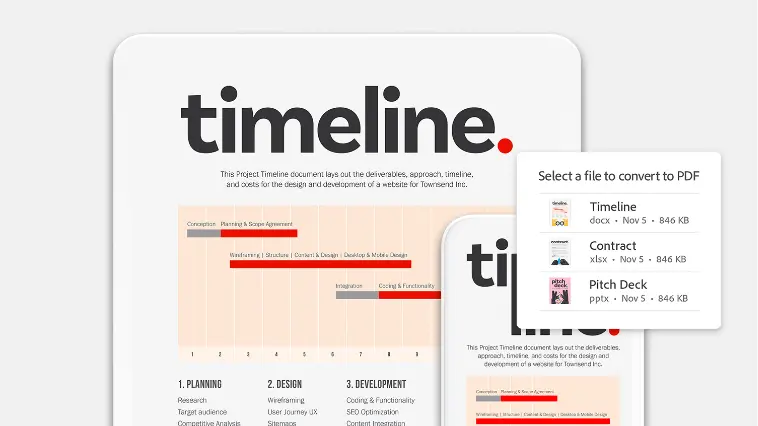
Change file types.
Convert your PDF into a different file type, including Microsoft Word, Excel, PowerPoint, and image formats like .jpeg and .png.
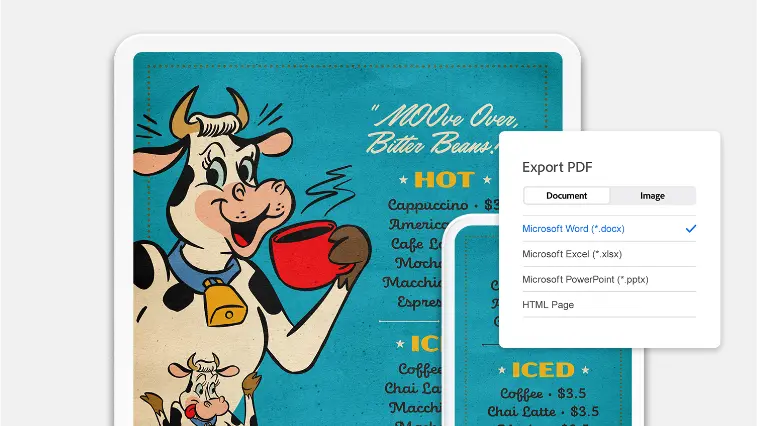
Export to PDF.
Turn any kind of document into a PDF to preserve formatting across all devices.
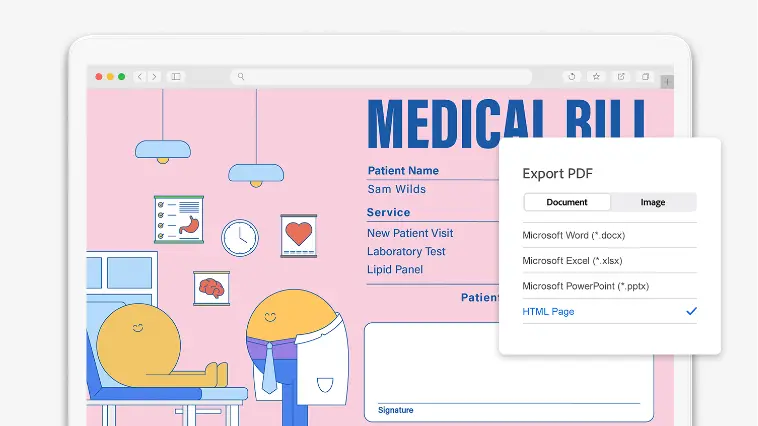
Convert to HTML.
Transform a PDF into a functional, searchable, and accessible website by converting it to HTML.
Organize and reorder pages.
Add and reorder pages simply by dragging and dropping. Easily delete any you don’t need.
Merge and split PDFs.
Combine two or more PDFs into a single file, or turn an existing PDF into as many separate files as you want.
Add comments and mark up PDFs.
Type out comments, highlight text, and underline passages. Or leave notes by hand, anywhere in your document.


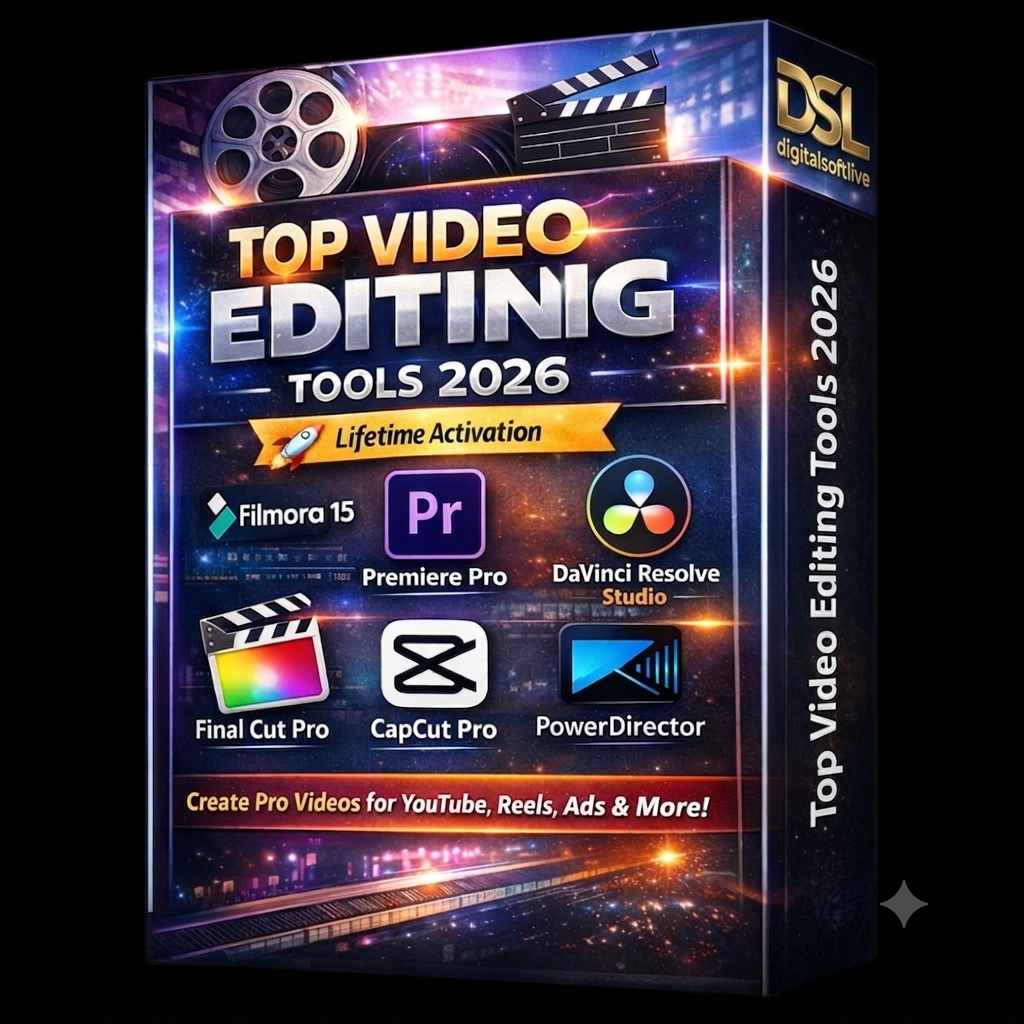 Top Video Editing Software Bundle 2026 – LifeTime Activation
  FILMORA-15 + Ai Features (Latest-2026-version)